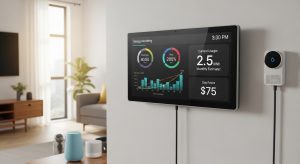
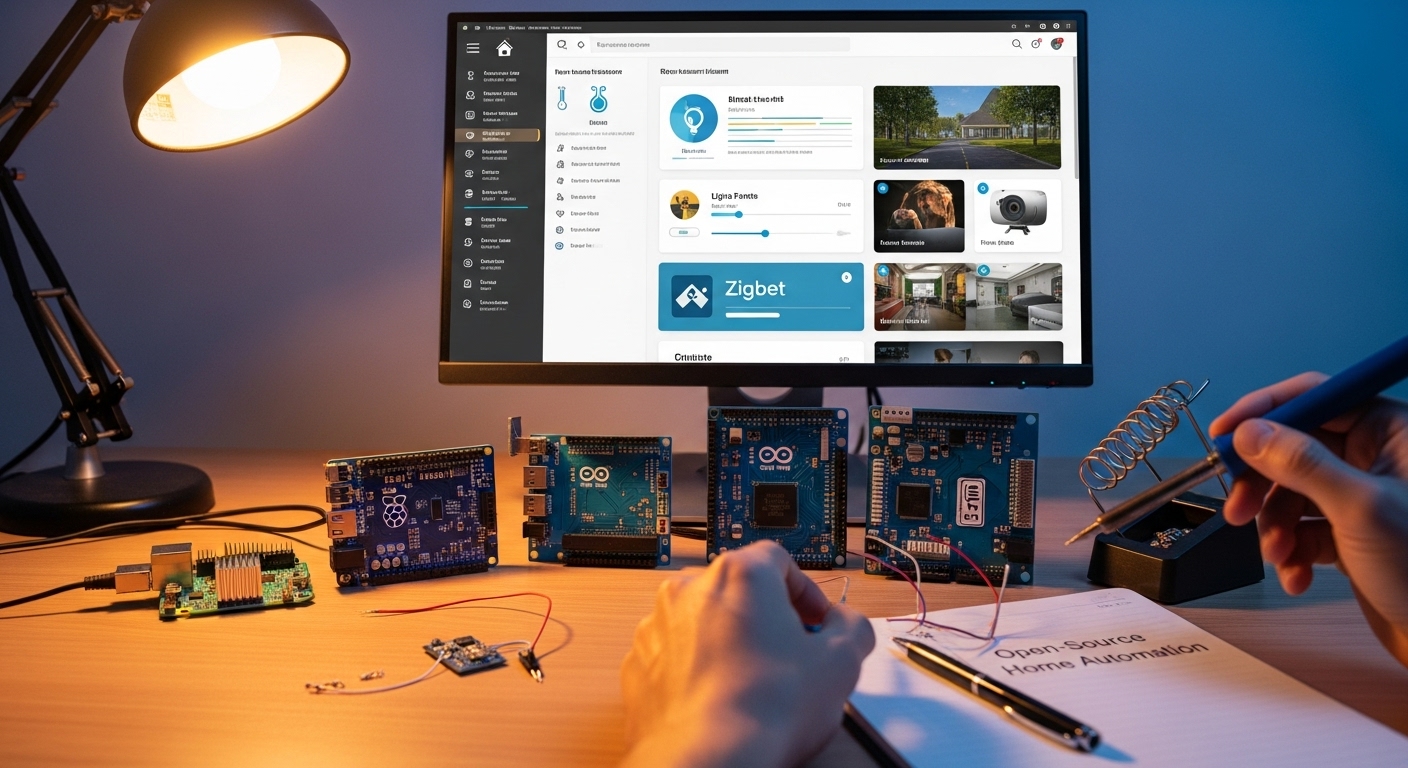

Has your smart home started to feel more like a walled garden than a true assistant? Many commercial systems like Amazon Alexa, Google Home, or Apple HomeKit come with strings attached: mandatory cloud accounts, limited device compatibility, or ongoing privacy worries. For DIYers, this can feel frustrating—you want a system that works even without the internet, integrates every gadget you own, and respects your data.
That’s why so many people are turning to open-source home assistant platforms for DIY projects. These community-driven systems put control back in your hands, letting you customize every aspect of your smart home. This guide explores the top open-source home assistant platforms for DIY enthusiasts, compares their strengths, and helps you decide which one fits your setup best.


Table of content
Why Choose an Open-Source Home Automation Platform?

Unlike proprietary ecosystems, open-source platforms provide three big advantages:
- Local Control & Privacy: Platforms like Home Assistant and OpenHAB run directly on your hardware, such as a Raspberry Pi or small server. Your automations continue working even if your internet goes down, and your data stays private.
- Unmatched Device Compatibility: Commercial hubs often restrict you to specific brands. Open-source systems can integrate with thousands of devices and protocols—Z-Wave, Zigbee, Wi-Fi, Bluetooth, and more.
- Complete Customization: Want your lights, coffee maker, and thermostat to sync perfectly with your morning alarm? Open-source hubs let you design unique automations without corporate restrictions.
The Best Open-Source Home Automation Software
Several platforms stand out in the DIY smart home world. The most popular are Home Assistant and OpenHAB, but there are also other solid options like Domoticz, Node-RED, Homebridge, and Gladys Assistant depending on your needs.
1. Home Assistant
Home Assistant is currently the most popular open-source hub, known for its sleek interface and massive ecosystem.
-
Key Features:
- Supports thousands of devices, with extra add-ons through the Home Assistant Community Store (HACS).
- Visual automation editor with “Blueprints” for easy, shareable routines.
- Strong focus on local control and privacy.
- Ease of Setup: Pre-built images make installation simple on Raspberry Pi, Docker, or virtual machines.
- Best For: Beginners who want a polished entry point, as well as advanced users who love endless customization.
2. OpenHAB
OpenHAB (Open Home Automation Bus) is a mature platform that’s been evolving since 2010.
-
Key Features:
- Over 2,000 “bindings” for devices and services.
- A flexible rules engine for intricate, code-based automations.
- Vendor-neutral design, making it a universal hub.
- Ease of Setup: Runs on many operating systems. Setup is more technical than Home Assistant, but the documentation is thorough.
- Best For: Experienced tinkerers who prefer a scripting-heavy, highly customizable approach.
3. Domoticz
Domoticz is lightweight and resource-friendly, making it perfect for low-power devices such as Raspberry Pi Zero. Its interface is simple, and while it looks a bit dated, it offers stability and reliability for basic automation and monitoring tasks.
4. Node-RED

Node-RED is a flow-based programming tool often used alongside other platforms. Its drag-and-drop interface lets you create complex automations visually. While not a complete hub by itself, it’s a fantastic companion for DIYers who want more control over logic.
5. Homebridge

Homebridge is aimed at Apple fans. It allows you to integrate devices that aren’t natively compatible with HomeKit into the Apple Home app. With it, you can control almost any smart gadget using Siri.
6. Gladys Assistant

Gladys Assistant is a younger project compared to others, but it’s gaining traction. It focuses on local control, privacy, and ease of use, while offering modern dashboards and integrations with popular assistants.
Head-to-Head: Home Assistant vs. OpenHAB
| Feature | Home Assistant | OpenHAB |
|---|---|---|
| Ease of Use | Beginner-friendly interface. | Steeper learning curve. |
| Community | Very large and fast-growing. | Mature and stable. |
| Integrations | Huge library + HACS add-ons. | 2,000+ device bindings. |
| Automations | Visual editor + Blueprints. | Rule engine, code-centric. |
| Mobile App | Polished, with location tracking. | Solid but less streamlined. |
What You Need to Get Started

Building a DIY smart hub doesn’t require much:
- Hardware: A Raspberry Pi 4 is the most common starting point.
- Storage: A reliable microSD card (32GB+) or SSD for performance.
- Connectivity: A Z-Wave or Zigbee USB stick to connect more devices.
- Network: Ethernet is recommended for stability.
Once set up, you can begin experimenting with small automations—like turning on porch lights at sunset—and expand as you grow comfortable.
Frequently Asked Questions
Q: Is Home Assistant free?
Yes. It’s open-source under Apache 2.0. Costs only come from your chosen hardware.
Q: Which is better: Home Assistant or OpenHAB?
If you value ease of use, Home Assistant is best. If you prefer advanced scripting, OpenHAB shines.
Q: Can I use Alexa or Google with open-source hubs?
Yes. Both Home Assistant and OpenHAB can connect through integrations or services like MQTT.
Q: Are these platforms secure?
Open-source code is reviewed by the community, and frequent updates patch vulnerabilities. Always use strong passwords and SSL.
Conclusion: Your Smart Home, Your Rules
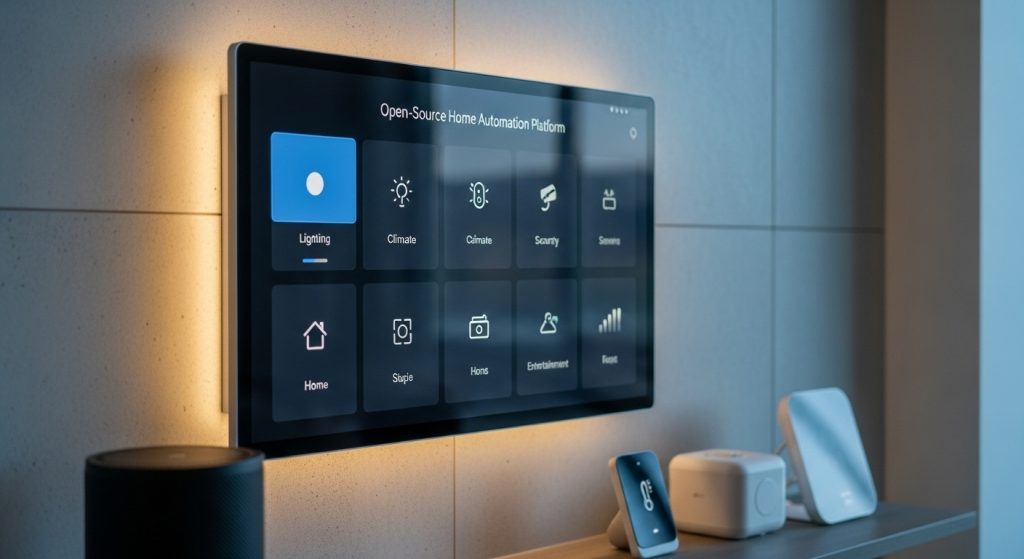
Open-source home assistant platforms let DIYers build a smart home that’s private, flexible, and truly personal. Home Assistant offers an excellent balance of power and accessibility, while OpenHAB rewards those who love deep customization. Options like Domoticz, Node-RED, Homebridge, and Gladys Assistant provide even more choices depending on your setup.
The best next step? Install one of these platforms on a Raspberry Pi, connect a single sensor, and try a basic automation. From there, you can expand at your own pace—without limits or corporate lock-in.
Your home should work for you, not the other way around. With the top open-source home assistant platforms for DIY projects, you’re in control.
The responses below are not provided, commissioned, reviewed, approved, or otherwise endorsed by any financial entity or advertiser. It is not the advertiser’s responsibility to ensure all posts and/or questions are answered.