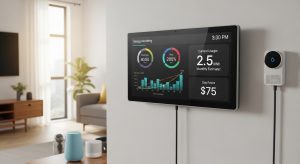
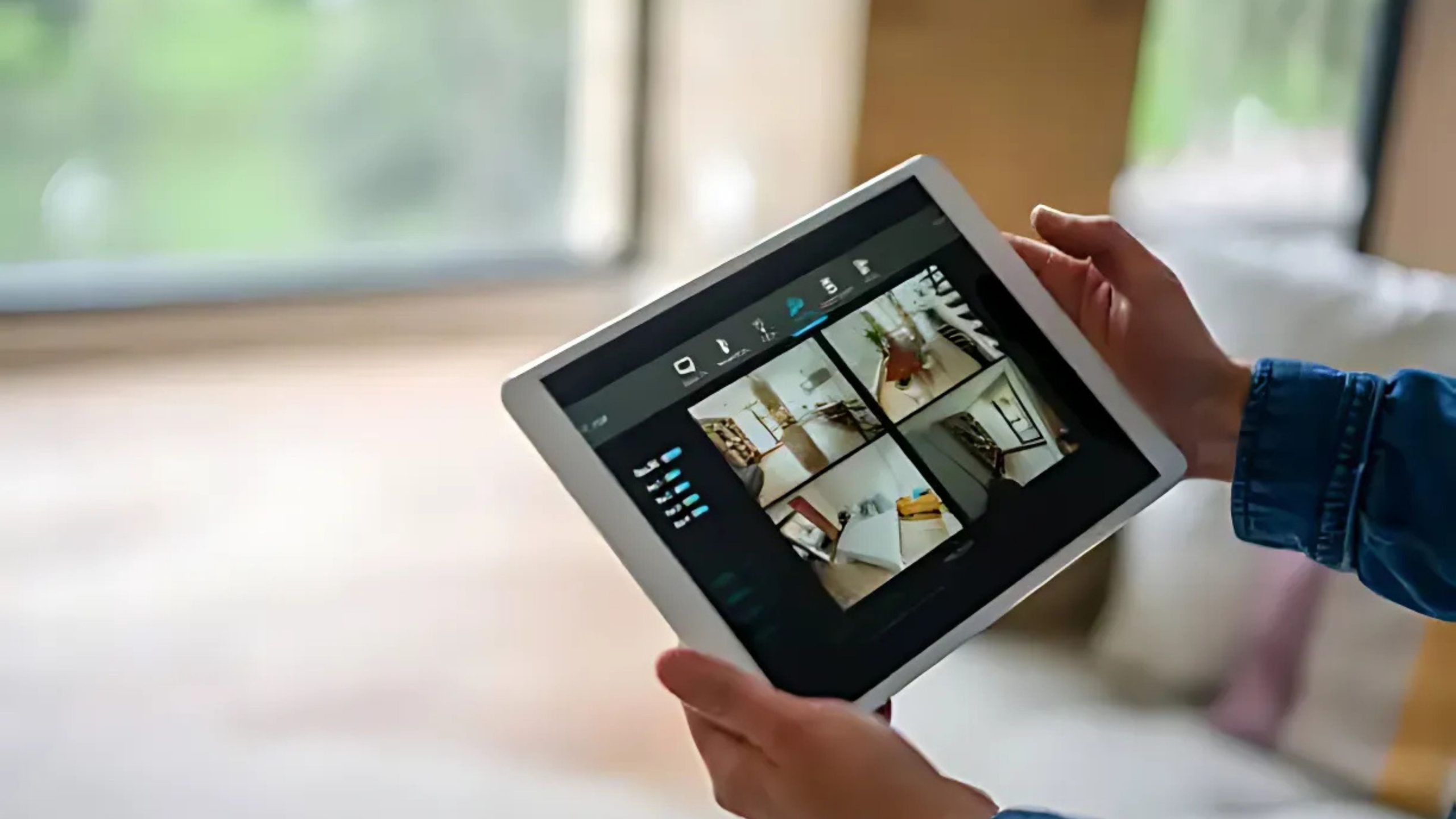

Securing your home with smart cameras can feel overwhelming—and you’re not alone. You want peace of mind: reliable video feeds, seamless alerts, privacy protection, and easy setup. That’s where the right Platform-as-a-Service (PaaS) for home IoT security cameras comes in. This guide dives into the top platforms, explaining how they work and why they matter—helping you choose what truly fits your needs.



Table of content
- What Is an IoT PaaS for Home Security Cameras?
- Top PaaS Options for Home IoT Security Cameras
- What Readers Also Ask
- Can I control home IoT cameras without the cloud?
- Are cloud and local storage options still relevant?
- Is device compatibility an issue with these platforms?
- What the Research Shows
- Choosing the Best PaaS for Your Needs
- Conclusion
What Is an IoT PaaS for Home Security Cameras?
A PaaS for home IoT security cameras provides the cloud infrastructure and tools that let your smart cameras stream, record, analyze, and interact—without you managing servers. It includes APIs, device registries, analytics tools, and secure connections between cameras and apps.
Azure IoT Hub
Offers scalable device management, secure connections, and built-in analytics for home devices like cameras.
AWS IoT (Connected Home)
Enables low-latency computing, local data processing, and machine learning integration for devices such as door locks and cameras.
Tuya Smart IoT Platform
Provides cloud development tools for brands and manufacturers, including support for Matter—an emerging interoperability standard.
These platforms give you the backend power—without the headache—so your home security cameras can do more.
Top PaaS Options for Home IoT Security Cameras
Here’s a comparison to help you weigh your options:
| Platform | Advantages | Best For |
|---|---|---|
| Azure IoT Hub | Secure device management, scalable, built-in analytics | Tech-savvy users, enterprise-level |
| AWS IoT | Low-latency local compute, ML integration, rich ecosystem | Smart homes with AI-enabled devices |
| Tuya Smart PaaS | Turnkey device/cloud platform, Matter standard support | DIY builders, OEM innovators |
| Home Assistant | Local-control gateway, privacy-first approach | Privacy-conscious tinkerers |
- Azure IoT Hub handles thousands of devices with ease, keeping your video data flowing securely.
- AWS IoT offers local processing and machine learning, allowing cameras to act smartly—even when the internet is unstable.
- Tuya lets OEMs and DIYers build custom smart camera products with cloud control and compatibility with new standards.
- Home Assistant, while not a traditional PaaS, enables local-first automation and integration—perfect for those who prioritize privacy.
What Readers Also Ask
Can I control home IoT cameras without the cloud?
Yes. Platforms like Home Assistant let you manage cameras locally, cutting subscription costs and keeping data private.
Are cloud and local storage options still relevant?
Absolutely. Cloud storage offers remote access and better data backup—but usually requires ongoing fees. Local storage avoids fees and keeps data private, though it can be vulnerable to theft or damage. A hybrid model often provides the best balance.
Is device compatibility an issue with these platforms?
It can be. Tuya supports a wide range of smart camera brands. Azure and AWS integrate deeply only with compatible hardware. Home Assistant excels at bridging devices across brands—even older ones.
What the Research Shows
-
Cloud vs. Local Storage
Cloud storage offers convenience and security redundancy, but many users prefer local storage for privacy reasons. A hybrid setup—using both—can provide the best of both worlds. -
Security Risks in IoT Cameras
Past vulnerabilities in older IoT camera software have exposed video feeds to attackers. This highlights the importance of choosing platforms that prioritize encryption, firmware updates, and active security patching.
These lessons show why selecting a strong and well-supported PaaS is critical for your home.
Choosing the Best PaaS for Your Needs
1. Define Your Priorities
- Want minimal effort? Go with Tuya or a commercial smart camera powered by Azure/AWS.
- Crave privacy and local control? Home Assistant is your fortress.
- Need advanced features like AI recognition or real-time processing? AWS IoT shines here.
2. Consider Storage Strategy
- Cloud is convenient—but expect subscription fees.
- Local protects your data—just plan backups or hybrid setups.
3. Check Ecosystem & Future-proofing
- If you invest in Matter-compatible gear, Tuya’s support may future-proof your setup.
- Platforms like Azure and AWS maintain long-term security updates and scalability.
Conclusion
Finding the best PaaS for home IoT security cameras comes down to your personal needs: convenience, privacy, smart features, or ecosystem flexibility. Here’s a quick recap:
- Azure IoT Hub – secure, scalable, enterprise-level.
- AWS IoT – low-latency, intelligent, powerful.
- Tuya Smart PaaS – device-friendly and supports new standards like Matter.
- Home Assistant – local-first, privacy-respecting, open-source.
Next step? Make a list of what matters most—whether that’s cloud convenience, AI features, or privacy—and choose the platform that aligns best with your home security goals.
The responses below are not provided, commissioned, reviewed, approved, or otherwise endorsed by any financial entity or advertiser. It is not the advertiser’s responsibility to ensure all posts and/or questions are answered.